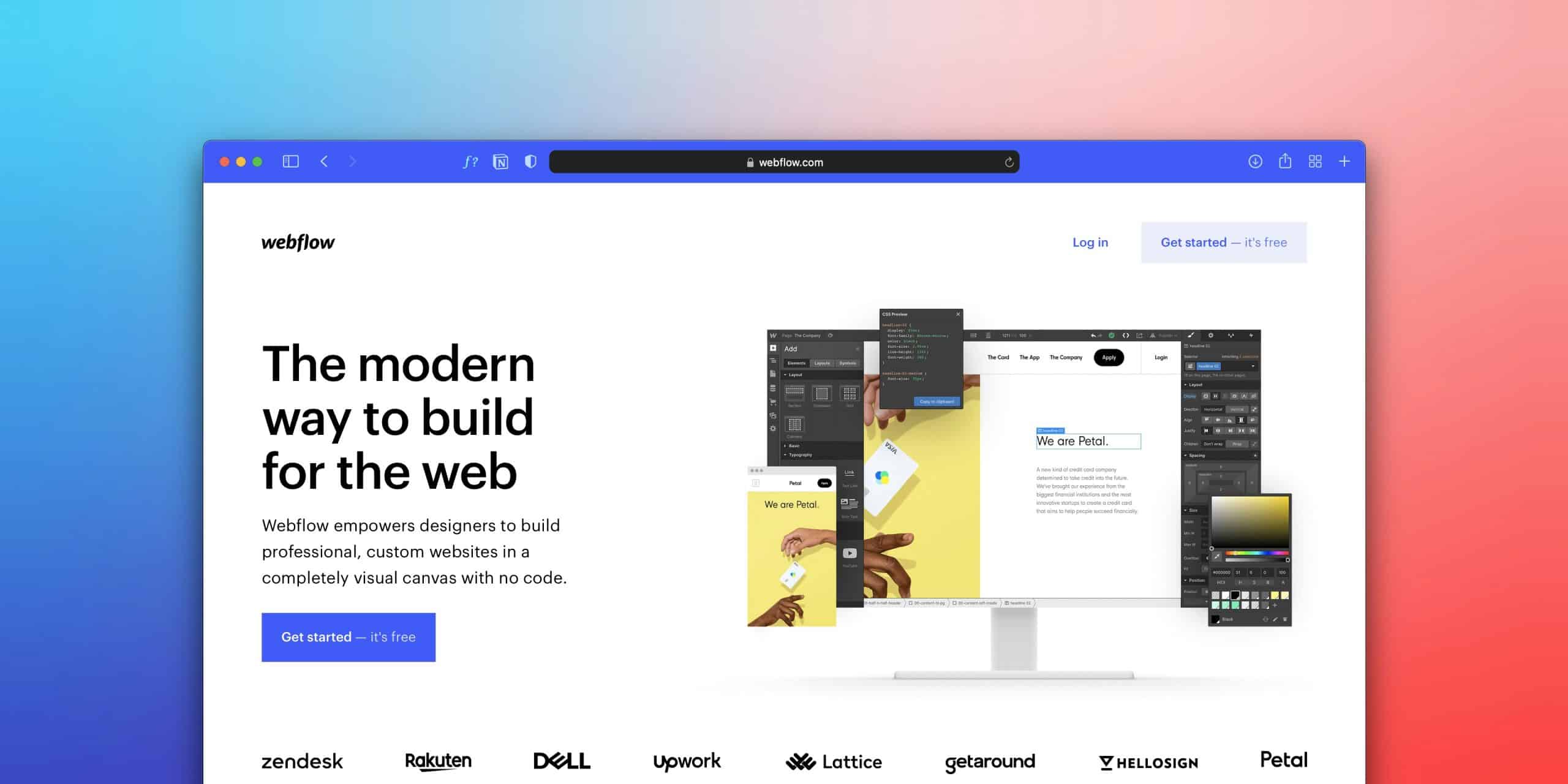
Designing beautiful interfaces is only half the challenge. Turning those designs into fast, responsive, production-ready websites is where many teams struggle. If you're moving from Figma to Webflow, a structured workflow can help you preserve design quality while creating a website that's easy to manage, scalable, and optimized for performance.
Whether you're a freelance designer or part of a growing product team, understanding the process of migrating Figma designs to Webflow will save time, reduce rework, and improve collaboration with developers and clients.
Why Move from Figma to Webflow?
Figma excels at interface design, prototyping, and collaboration. Webflow bridges the gap between design and development by allowing designers to build production-ready websites visually without sacrificing clean HTML, CSS, or responsive layouts.
The benefits include:
- Faster website launches
- Responsive design without manual coding
- Cleaner collaboration between designers and marketers
- Easier CMS management
- Better SEO control
- Reduced dependency on developers for content updates
For many businesses, moving from Figma to Webflow significantly shortens the path from concept to launch.
How to Migrate Figma Designs to Webflow
A successful migration starts long before importing any design.
1. Organise Your Figma File
Create a structured design system before building.
Include:
- Auto Layout components
- Consistent spacing
- Typography styles
- Colour variables
- Reusable components
A clean Figma file translates into a much more efficient Webflow build.
2. Build Instead of Copying
While several plugins promise one-click conversion, experienced designers rarely rely on them for production websites.
Instead:
- Recreate layouts using Webflow's Flexbox and Grid
- Build reusable Components
- Apply Variables for colours and typography
- Create a scalable class structure
Although this approach takes slightly longer, it produces cleaner websites that are easier to maintain.
People Also Ask: Can You Convert Figma Directly to Webflow?
Yes, plugins exist. However, they often generate unnecessary classes, inconsistent layouts, and difficult-to-maintain code.
For professional websites, manually rebuilding the design in Webflow typically delivers:
- Better responsiveness
- Improved accessibility
- Faster loading speeds
- Cleaner CMS integration
- Stronger long-term scalability
Common Mistakes When Moving from Figma to Webflow
Many designers encounter the same issues during migration.
Avoid these common mistakes:
- Designing without Auto Layout
- Ignoring responsive breakpoints
- Creating too many utility classes
- Skipping accessibility checks
- Building pages before establishing a design system
Planning your structure first prevents expensive redesigns later.
How Long Does a Figma to Webflow Migration Take?
The timeline depends on project complexity.
As a general guide:
| Project | Typical Timeline |
|---|---|
| Landing page | 1 to 3 days |
| Marketing website | 1 to 3 weeks |
| CMS-driven website | 2 to 6 weeks |
| Enterprise website | Several weeks to months |
Well-organised design files can dramatically reduce build time.
Best Practices for a Smooth Migration
When migrating Figma designs to Webflow, focus on long-term maintainability rather than speed.
Successful projects typically include:
- A clear design system
- Reusable components
- Consistent naming conventions
- SEO-friendly page structures
- Optimised images and assets
- Performance testing before launch
This approach creates websites that are easier to update and scale as your business grows.
Final Thoughts
Moving from Figma to Webflow is more than transferring layouts. It's about transforming design concepts into fast, accessible, and conversion-focused digital experiences.
At SOHO, we help businesses bridge the gap between strategy, design, and development. From UX research and design systems to Webflow implementation and ongoing optimisation, we build websites that look exceptional and perform even better.
Ready to Build Your Next Webflow Website?
If you're planning a Figma to Webflow project, we'd love to help. Contact SOHO to discuss your website, improve your design workflow, or create a scalable Webflow experience that supports your business growth.